1. Set breakdown
Start with a clear structure
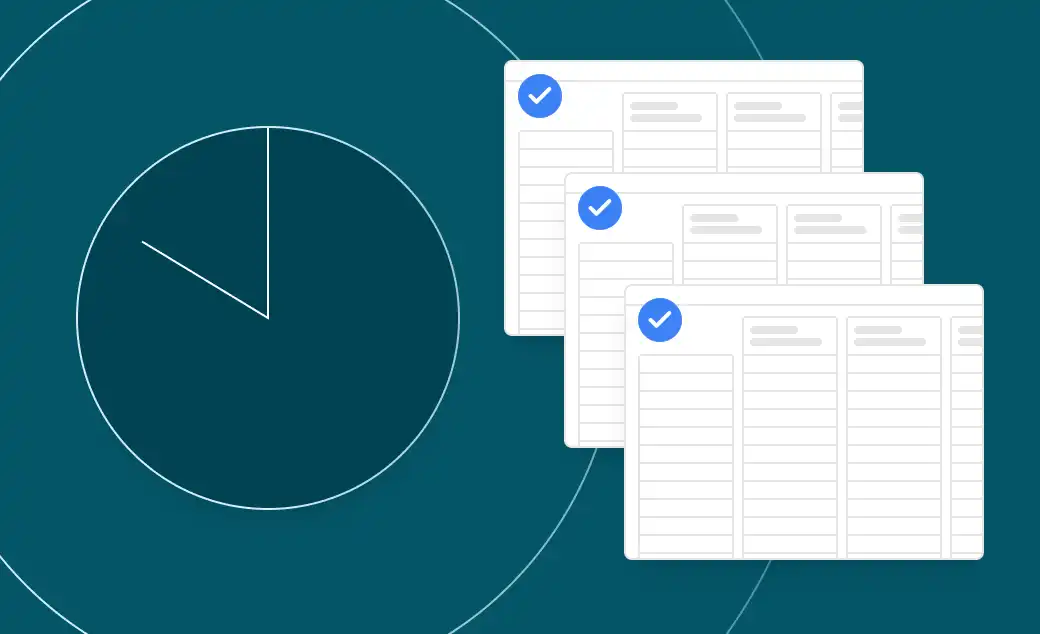
Upload your quotes and BidLevel builds a breakdown of all items. You can also paste in your own scope, BOQ, or budget to use as the structure.


AI reads all supplier quotes, builds a complete scope, and pulls out pricing and exclusions automatically.
Built by construction experts at 

Industry trusted












Scope line items extracted
Bids made comparable
Positive rating across 250+ companies
View sample packages
Explore the output of these AI generated comparisons
Ready to run your first package?
For Pre-Construction Teams
Compare multiple packages fast without losing detail. Bring messy bids into a clear structure so you can protect margin and submit with confidence.

Ronel Sonilap
Estimator
“As an estimator, BidLevel shortens my time a lot. I upload the quotes, it shows me the key inclusions and exclusions, and I export to Excel to present it.”
For Delivery Teams
Extract pricing from inconsistent quotes into one breakdown. Spot gaps, exclusions, and risks early to make clear decisions.

Elias Jammal
Senior Contract Administrator
I use BidLevel as standard practice for my first pass, the custom breakdown and analysis align well with the package.
Upload your quotes and BidLevel builds a breakdown of all items. You can also paste in your own scope, BOQ, or budget to use as the structure.
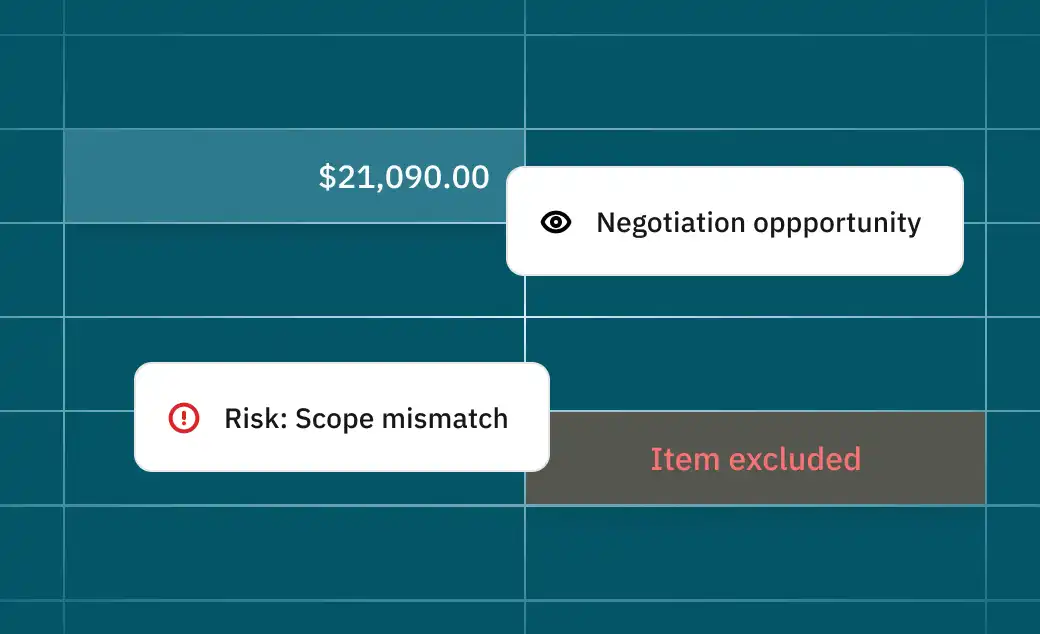
BidLevel reads each quote and fills in prices, inclusions and exclusions. View items side by side and trace every value back to the original PDF.

Edit quantities, units, and rates. Break down lump sums and fill in missing items so all bids match the same structure. All changes are tracked.

See a clean comparison across all vendors. Export to Excel with the full breakdown for review or sharing.

Dan Tooth
Senior Contract Administrator
“Saves a lot of time pulling quotes apart. If you took it away, I'd be disappointed.”

Alina Michael
Contract Administrator
“It’s very accurate. It actually picked up on line items that I initially missed in my comparison so it should eliminate any human error for anyone using it.”
Tom MacStrachan
Contract Administrator
“Detailed breakdown options aligned to scope, with an accurate first pass on inclusions and exclusions.”
Contract Administrator
“Really easy to use, quick to upload and start getting value.”
Contract Administrator
“Was able to extract itemised pricing, and succinctly break down scope into line items.”
Executive
“The speed of extraction and quality of scope production is great.”
Contract Administrator
“Able to detect options within price and split them out is great.”
Quantity Surveyor
“Provides info to be able to ask relevant questions for clarification.”
Quantity Surveyor
“Good to get comparisons for trade that I have lesser knowledge on.”
Contract Administrator
“The breakdown is so effortless. It saves so much time pulling these quotes apart.”
Contract Administrator
“Really easy to use, quick to upload and start getting value.”
Contract Administrator
“Was able to extract itemised pricing, and succinctly break down scope into line items.”
Executive
“The speed of extraction and quality of scope production is great.”
Contract Administrator
“Able to detect options within price and split them out is great.”
Quantity Surveyor
“Provides info to be able to ask relevant questions for clarification.”
Quantity Surveyor
“Good to get comparisons for trade that I have lesser knowledge on.”
Contract Administrator
“The breakdown is so effortless. It saves so much time pulling these quotes apart.”
Contract Administrator
“Really easy to use, quick to upload and start getting value.”
Contract Administrator
“Was able to extract itemised pricing, and succinctly break down scope into line items.”
Executive
“The speed of extraction and quality of scope production is great.”
Contract Administrator
“Able to detect options within price and split them out is great.”
Quantity Surveyor
“Provides info to be able to ask relevant questions for clarification.”
Quantity Surveyor
“Good to get comparisons for trade that I have lesser knowledge on.”
Contract Administrator
“The breakdown is so effortless. It saves so much time pulling these quotes apart.”
Everything you need to know about BidLevel. Can't find what you're looking for? Reach out to us directly.

End-to-end procurement, centralised, connected, and controlled.